Team Mango
Mango_Mac_agent
Run your whole Mac by voice, in 90+ languages.
Video Demo
About this project
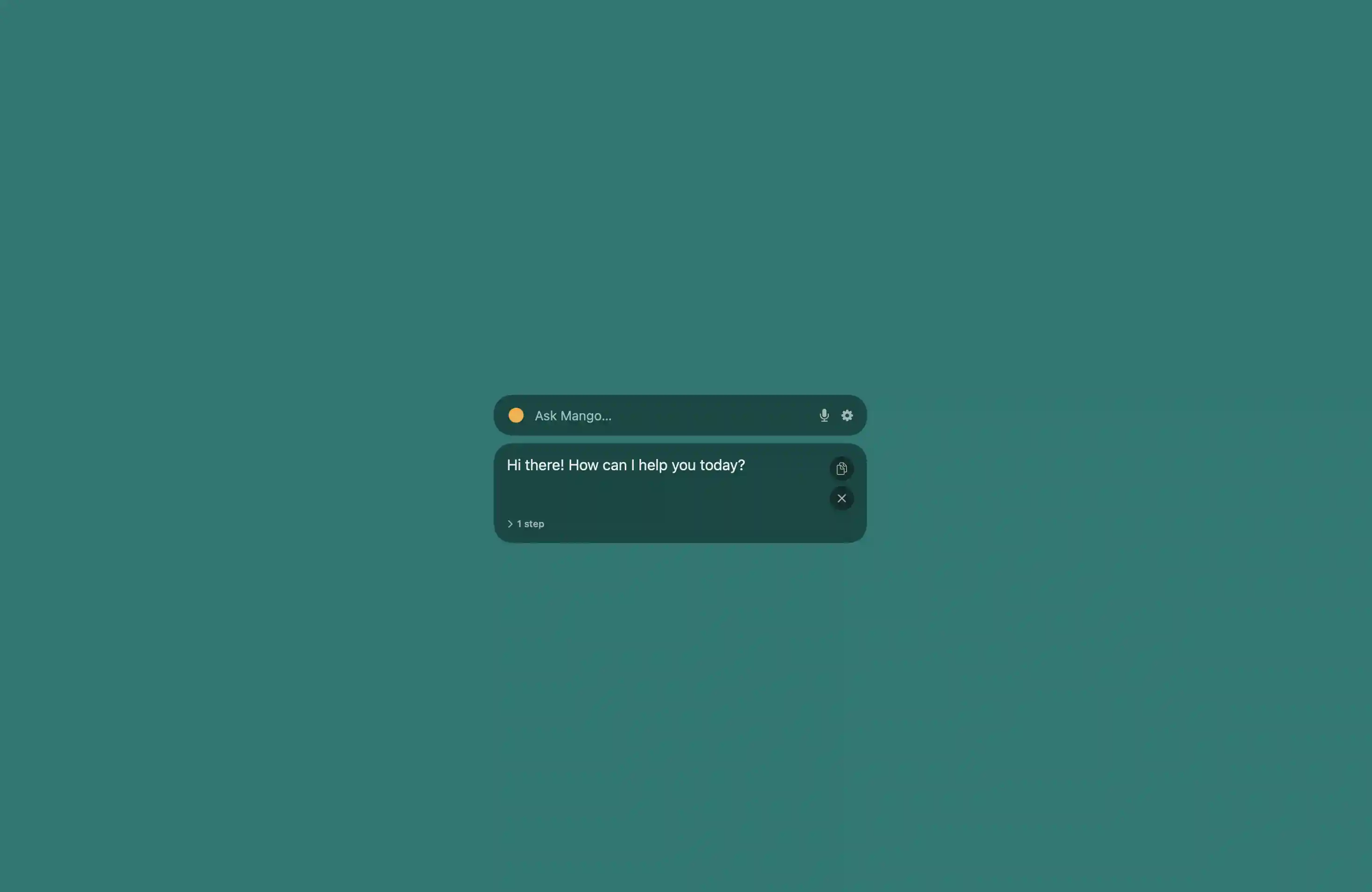
Mango: the voice that runs your Mac People with accessibility needs have a hard time using a laptop. Every task on a computer assumes two working hands on a keyboard and trackpad. We have AI now, with models that can see a screen and act on it, so using a computer shouldn't still be gated by whether you can physically work a trackpad. I couldn't find anyone who had built that bridge, so I built Mango. What it does Mango is a native macOS voice assistant that runs your Mac for you. You talk to it like a person and it launches apps, snaps windows, scrolls, clicks buttons, fills in fields, toggles system settings, searches the web, and reads pages back to you. All of it hands-free, voice in and voice out. "Snap this window left and turn on dark mode." "Scroll to the bottom and click the download button." "What's my battery?" You say what you want, and Mango does the clicking and typing. How I built it It's one voice loop. It hears you with ElevenLabs Scribe. Your speech streams over a WebSocket to ElevenLabs' realtime speech-to-text, and on-device voice-activity detection handles when you start and stop talking. The transcript shows up almost as fast as you speak. It reads your screen with Gemini. This is the part I'm most proud of. Instead of sending a screenshot, Mango walks the macOS accessibility tree, the structured list of every on-screen element with its role and position, and passes that to Gemini as text. Gemini reasons over the actual structure of the screen, not raw pixels, which is faster, more reliable, and more private than vision. It decides with structured actions. Gemini replies with a JSON action like "click element 42" or "set this field's value." A dispatcher runs that through the macOS accessibility APIs and presses the real button or sets the real value. It drives each app the way the app expects instead of faking mouse clicks. It talks back with ElevenLabs TTS.